

Export packing listTemplates & online generator
Every package. In its place.
An export packing list (PL) organizes the physical contents of a shipment: goods, quantities, packages, weights and volume. Use the sample to understand the fields, then sign in to prepare a shipping document from your actual packing records.
Prepare online · Save your details · Export a reviewed PDF
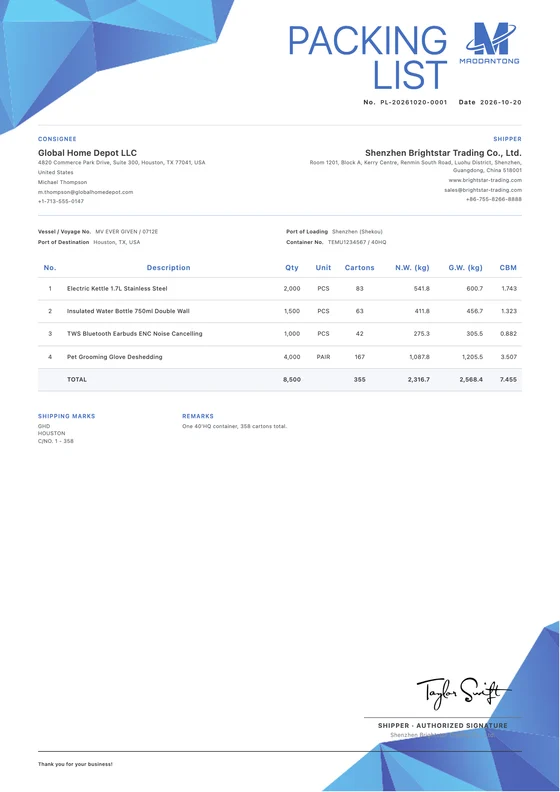
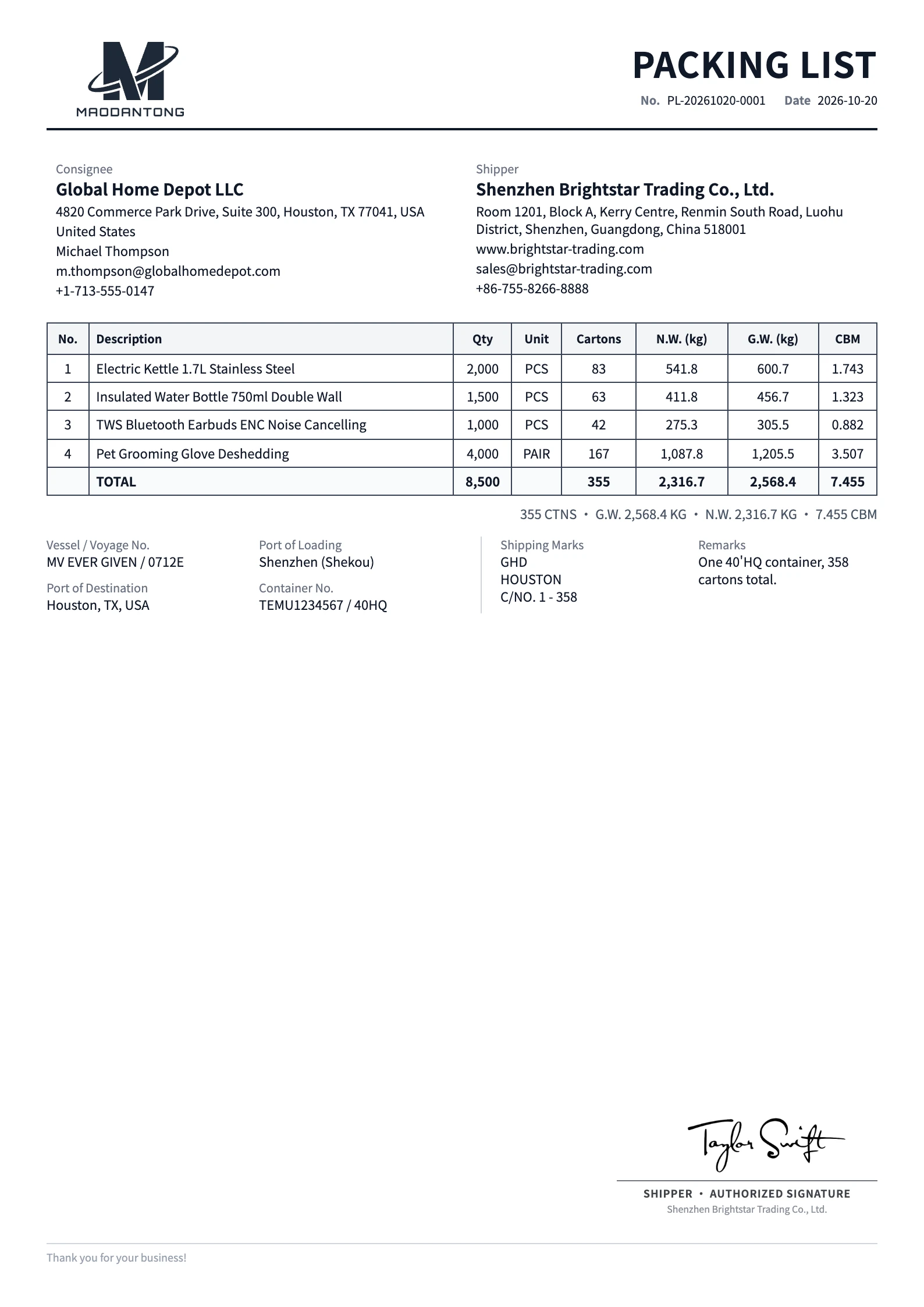 View full preview
A considered first impression.
Give good content a considered layout
Choose a layout that suits your business, then prepare your export packing list with your actual details.
Classic
Free template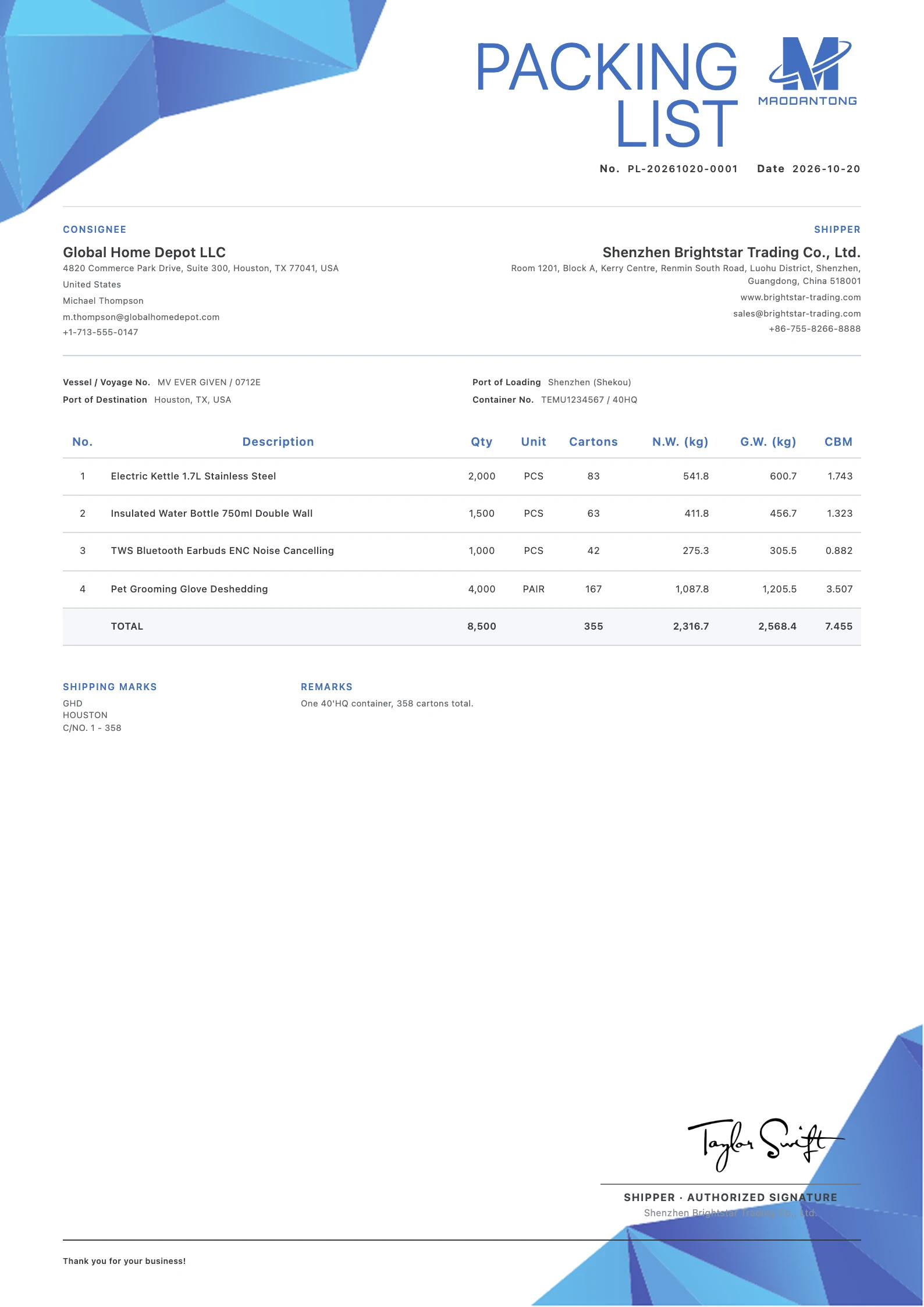
Clean Blue
Free template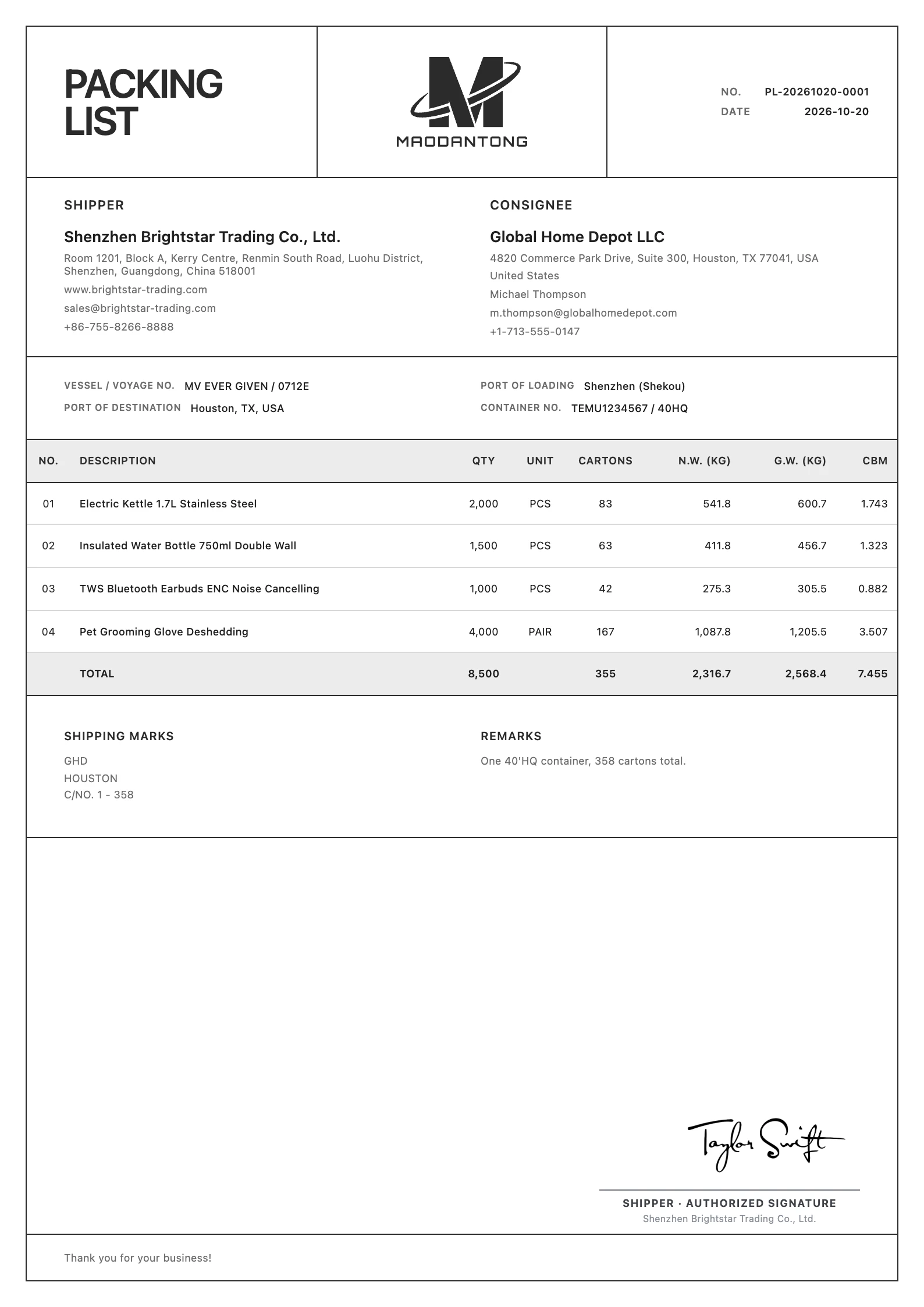
Minimalist
Free templatePackages · Weights & volume
When do you need a export packing list?
Record shipping quantities, cartons, net and gross weights and volume in an export packing list.
Compile the confirmed packing records
Use the warehouse's actual quantities, packages, weights and dimensions. Replace estimates when the final measured packing information becomes available.
Help shipment partners identify the goods
Include the shipping marks, carton ranges and packaging notes needed to connect the document with the physical shipment.
Reconcile with the commercial invoice
Keep product descriptions and total quantities consistent across shipment documents. The packing list describes the packing; the commercial invoice records the sale and its values.
Every detail, in place.
Put every detail in its place
Fields and visibility depend on the selected template and your actual business requirements.
Document reference, date and parties
Enter the packing list number, date, seller and buyer. Add the related commercial invoice reference in the notes when it is useful for matching the documents.
Product quantity and package count
Product pieces and cartons are separate measurements. When products share cartons, describe the allocation and avoid counting the same physical carton twice.
Net weight and gross weight
Use the goods weight for net weight and the corresponding packed weight for gross weight. The editor's row weight fields represent row totals, so do not enter a single-piece weight as the shipment total.
Volume in CBM
Enter each row's total volume in cubic metres. Check the outer package dimensions and package count, converting all length units consistently.
Marks, container and shipment information
Fill in the actual shipping marks, container and relevant ports or voyage. Use notes or custom columns to record carton numbers, dimensions or mixed-carton explanations.
View the worked export packing list example
This separate fictional worked example explains the fields and goods table. Its sample data differs from the template images above. Use your own details for actual documents.
| Field | Example |
|---|---|
| Seller | Harbor Sample Supplies Co., Ltd. (fictional) |
| Seller address | 18 Example Road, Ningbo, China (fictional) |
| Buyer | Northstar Demo Trading Ltd. (fictional) |
| Buyer address | 24 Sample Lane, Bristol, United Kingdom (fictional) |
| Packing list number / date | PL-DEMO-001 / 2026-10-15 |
| Related commercial invoice | CI-DEMO-001 (recorded in notes) |
| Shipping marks | NORTHSTAR DEMO / CTN 1–10 |
| Loading → destination port | Ningbo → Bristol |
| Goods / carton range | Qty PCS | Cartons | Net kg | Gross kg | CBM |
|---|---|---|---|---|---|
| Desk organizer / CTN 1–5 | 100 | 5 | 40.00 | 45.00 | 0.300 |
| Document tray / CTN 6–10 | 50 | 5 | 30.00 | 35.00 | 0.200 |
The two rows use separate cartons; there is no mixed-carton overlap. Companies, addresses, marks and packing data are fictional.
This table demonstrates fields rather than an exported template. Replace it with the warehouse's confirmed carton allocation, measurements and weights.
From details to document.
From your details to a finished document
Collect final packing data
Obtain product quantities, carton counts, measured weights and outer dimensions. Identify any mixed cartons, pallets or other packaging that needs explanation.
Choose PL and enter the packing details
Open the packing list editor, check the customer and products, then enter row totals for cartons, net and gross weights and CBM. Add carton ranges or dimensions as needed.
Review the totals and export
Check the scope of each row and reconcile the goods and quantities with the invoice. Review the language and page layout, save the document and export a PDF.
One final review before you send
Calculations and layout support preparation. Review the business information before sending.
- Are product pieces separate from physical package counts?
- Are the weight and CBM entries totals for each row?
- Have mixed cartons been counted only once?
- Do marks, carton ranges and quantities match the shipment and invoice?
Make a beautiful impression.
Prepare a beautiful export packing list
Create an account or sign in, add your details and export a reviewed PDF.
Try it free