

Export quotationTemplates & online generator
A thoughtful offer. A better beginning.
An export quotation (QT) gives a buyer the product offer and the conditions behind its price. Bring specifications, quantities, currency, lead time and validity together, then sign in to prepare a quotation with an available online template.
Prepare online · Save your details · Export a reviewed PDF
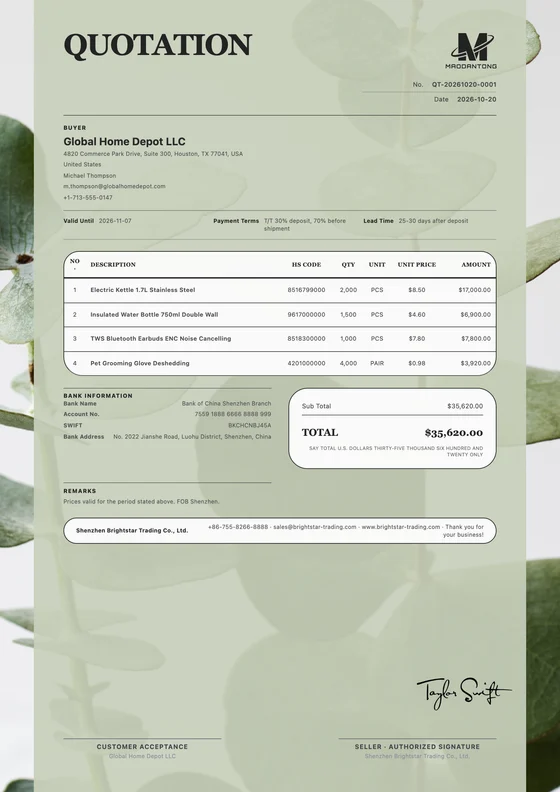
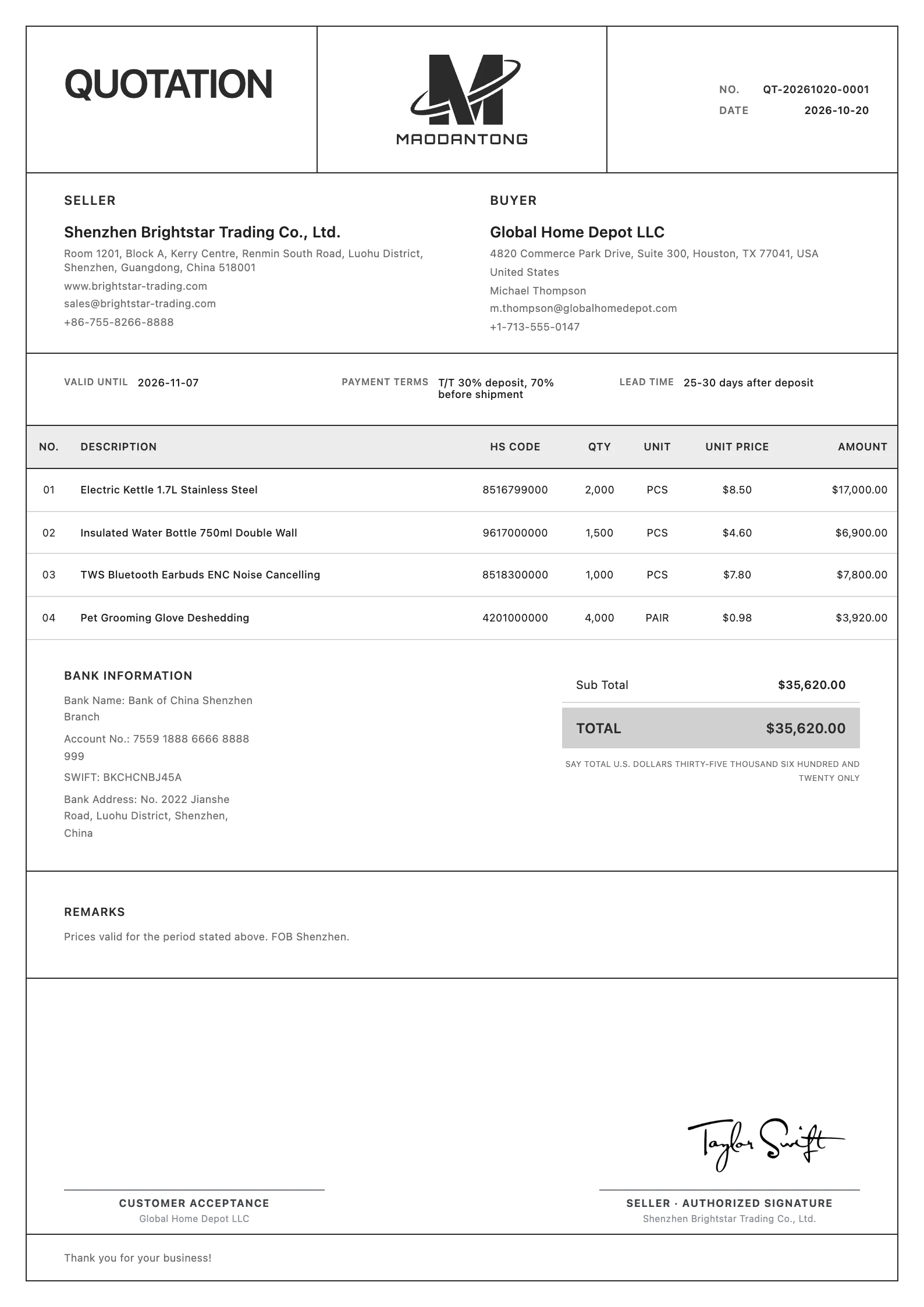 View full preview
A considered first impression.
Give good content a considered layout
Choose a layout that suits your business, then prepare your export quotation with your actual details.
Minimalist
Free template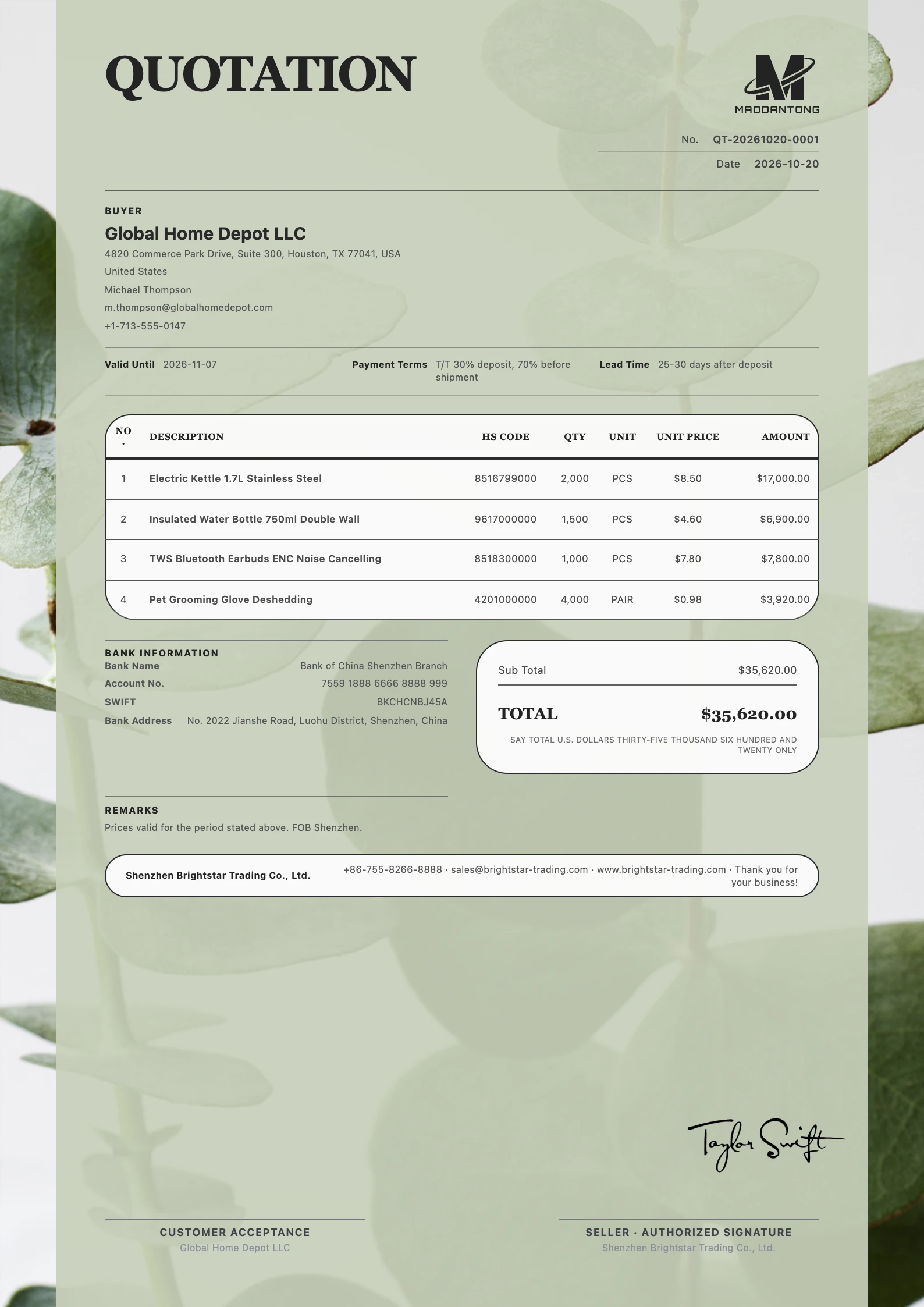
Business Strategy
Free template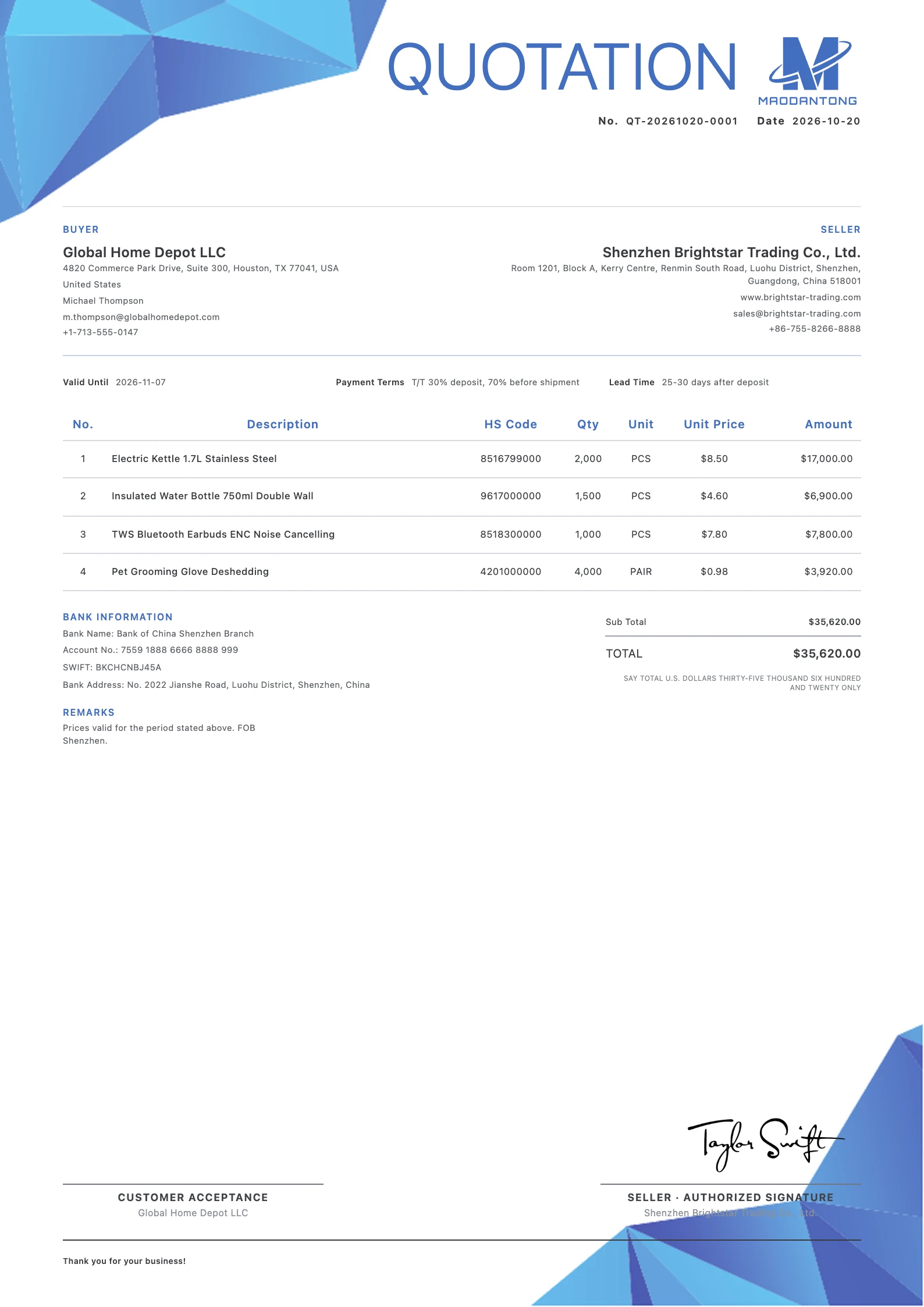
Clean Blue
Free templateBuyer inquiry · A clear offer
When do you need a export quotation?
Present product specifications, quantities, currency, prices, lead time and offer validity together.
Answer a specific product inquiry
Respond to the buyer's requested products, specifications and quantities line by line. Mark unresolved specifications so the buyer knows which details still need confirmation.
Present alternative configurations
Separate product models and packing options, and explain the quantity condition behind each price. Use custom columns where a specification needs its own place.
Manage offer validity and revisions
Use a reference, date and validity period to identify the current offer. After the customer confirms the proposed order, reconcile its details before preparing a PI.
Every detail, in place.
Put every detail in its place
Fields and visibility depend on the selected template and your actual business requirements.
Quotation reference, date and validity
Give the offer an identifiable reference and expiry. When revising prices or conditions, make the current version clear to the customer.
Customer, product model and specification
Check the customer's company and contact details. Describe the exact configuration being offered and flag any item that remains to be agreed.
Quantity, unit price and currency
Make the pricing unit explicit: piece, set or carton. If a price depends on an order quantity, state that condition rather than leaving the buyer to infer it.
Payment and lead time
State the proposed payment milestones and what starts the lead time, such as receipt of a deposit and approval of the sample.
Packing, delivery and included costs
Use notes or custom columns for packing requirements, delivery locations and included charges. Explain the actual offer rather than relying on an unexplained abbreviation.
View the worked export quotation example
This separate fictional worked example explains the fields and goods table. Its sample data differs from the template images above. Use your own details for actual documents.
| Field | Example |
|---|---|
| Seller | Meadow Demo Packaging Co., Ltd. (fictional) |
| Seller address | 8 Sample Park, Hangzhou, China (fictional) |
| Customer | Willow Example Retail Ltd. (fictional) |
| Customer address | 15 Demo Street, Melbourne, Australia (fictional) |
| Quotation reference / date | QT-DEMO-032 / 2026-10-15 |
| Valid until / currency | 2026-10-29 / USD |
| Lead time | 25 days after deposit and sample approval (example) |
| Payment and cost scope | 30% deposit; 70% before shipment. Freight excluded (example). |
| Product and specification | Qty | Unit | Unit price USD | Amount USD |
|---|---|---|---|---|
| Recycled paper gift box, model GB-S, 20 × 15 × 8 cm | 200 | PCS | 4.50 | 900.00 |
| Recycled paper gift box, model GB-L, 30 × 20 × 10 cm | 100 | PCS | 6.60 | 660.00 |
The companies, addresses, products and prices are fictional. This is a field example, not a live offer or an exported template preview.
Replace the sample lead time and payment terms with the actual proposed conditions, and specify relevant packing and delivery arrangements.
From details to document.
From your details to a finished document
Review the inquiry and start QT
Confirm the requested products, configurations and quantities. Open the quotation editor, select a template and verify the customer's details.
Enter the prices and their conditions
Add the goods and quantities, then review unit prices, currency, validity, payment and lead time. Add specification columns or notes where needed.
Preview, save and send a PDF
Select the document language, review the content and layout, save and export a PDF. Keep revisions identifiable when the customer requests changes.
One final review before you send
Calculations and layout support preparation. Review the business information before sending.
- Do specifications and packing match the inquiry?
- Is the pricing unit and currency clear?
- Which costs are included, and what starts the lead time?
- Does the current offer state validity and payment conditions?
Make a beautiful impression.
Prepare a beautiful export quotation
Create an account or sign in, add your details and export a reviewed PDF.
Try it free