

Commercial invoiceTemplates & online generator
Every detail. Clearly delivered.
Organize the seller, buyer, actual goods, quantities and values for an export sale in a commercial invoice (CI). Start with the worked example below, then sign in to use a document template and enter your own transaction details.
Prepare online · Save your details · Export a reviewed PDF
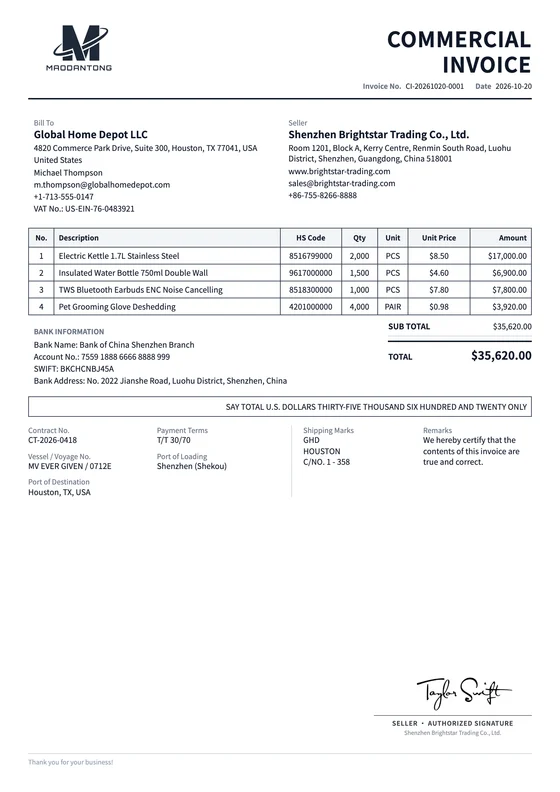
 View full preview
A considered first impression.
Give good content a considered layout
Choose a layout that suits your business, then prepare your commercial invoice with your actual details.
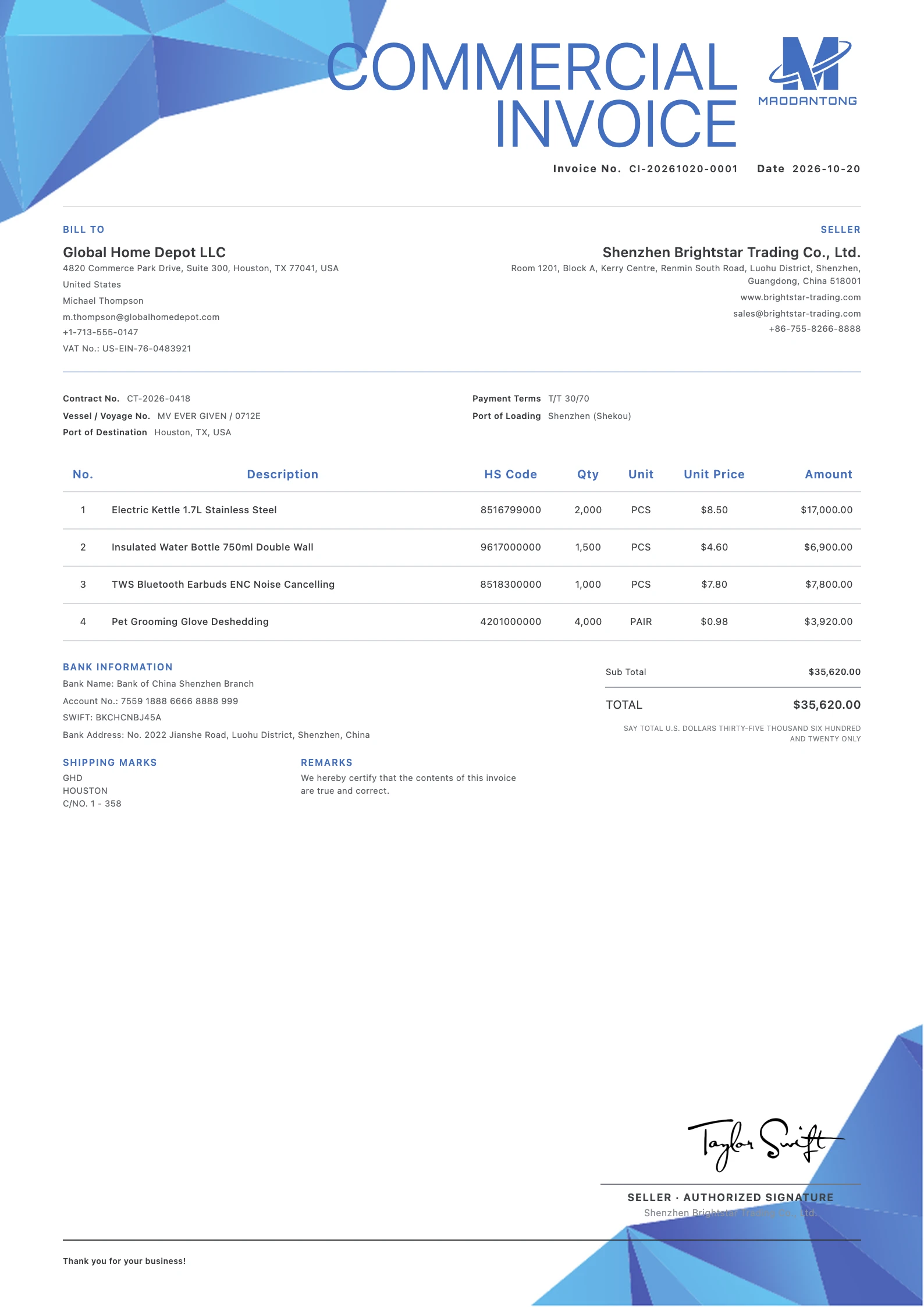
Clean Blue
Free template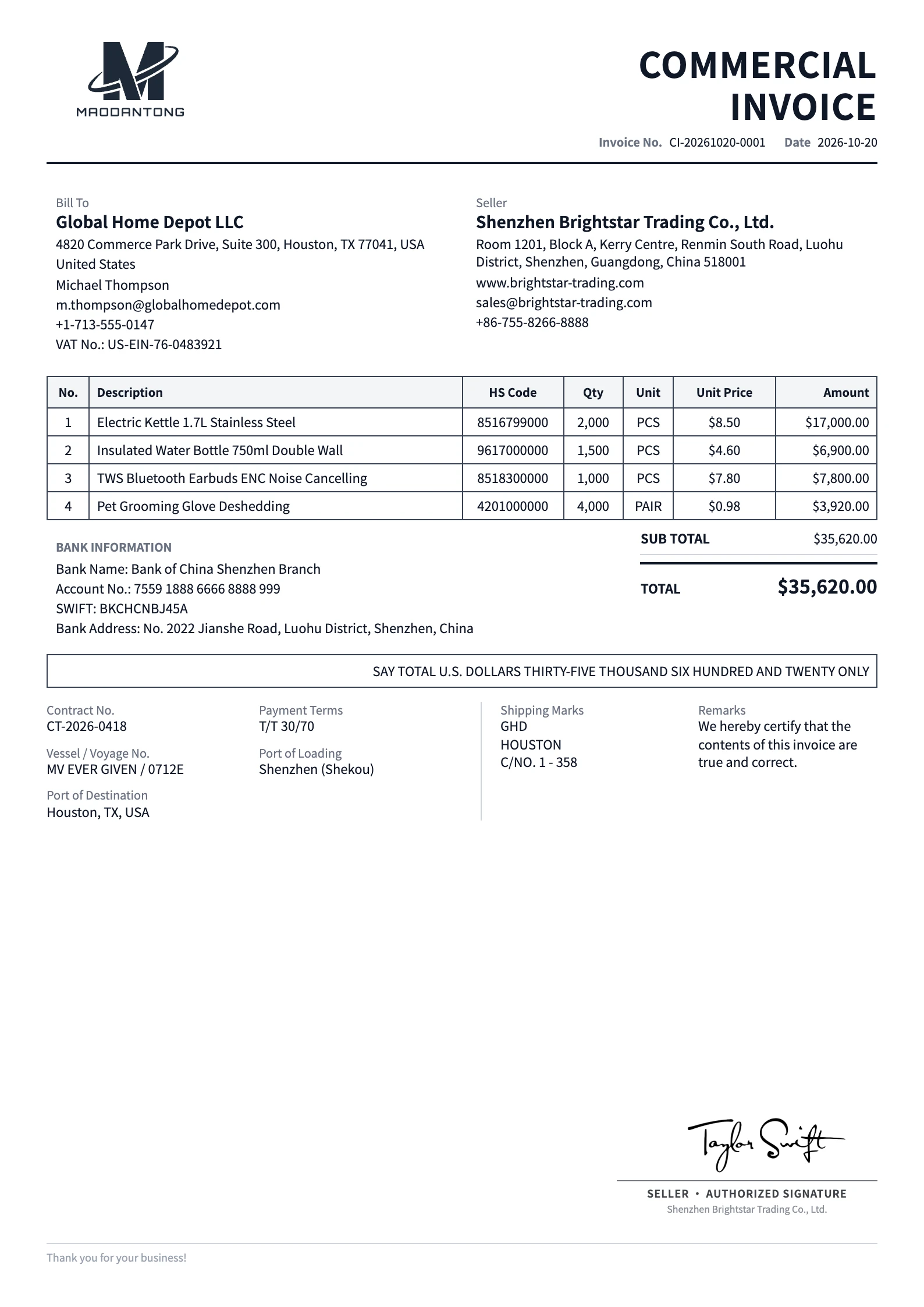
Classic
Free template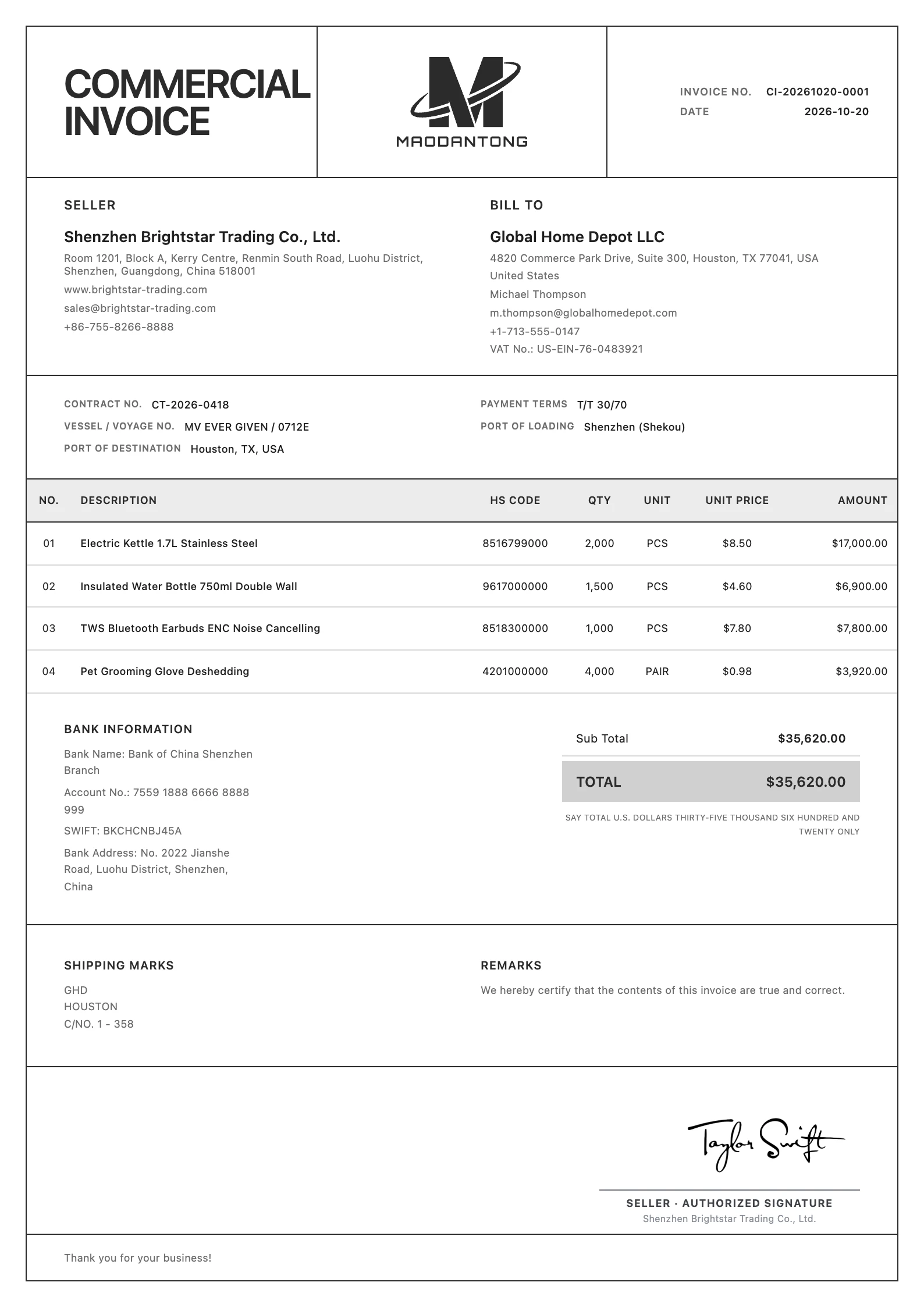
Minimalist
Free templateAgreed sale · Shipment paperwork
When do you need a commercial invoice?
Review export invoice fields and a worked example, then enter shipment and pricing details online.
Document an agreed export sale
Use the details of the actual transaction and shipment when preparing your invoice. Give each product a specific description and show its quantity, unit price and value.
Check the invoice against the packing list
Match product descriptions and shipment quantities across the two documents. Keep the commercial value on the invoice and the physical packing details on the packing list.
Prepare the requested shipment paperwork
Check the language and additional information requested by your buyer, freight forwarder or carrier. The required documents depend on the destination, goods and shipment.
Every detail, in place.
Put every detail in its place
Fields and visibility depend on the selected template and your actual business requirements.
Seller and buyer details
Enter company names, full addresses and contact information. If the consignee or importer differs from the buyer, provide the requested information separately in the appropriate document notes.
Invoice number, date and contract reference
Give the document an identifiable invoice number and issue date. Use the contract or purchase order reference to connect it to the correct sale.
Goods description and HS code
Identify the product, material, model and intended use. Verify the applicable HS code for the actual goods instead of copying a code from an unrelated sample.
Quantity, price, currency and value
Use consistent units and a clear currency. Check each line calculation and the total against the agreed sale. List any actual additional charges or adjustments clearly.
Shipment details and terms
Complete relevant loading and destination ports, vessel or voyage, shipping marks and payment terms. Use notes for agreed information that has no dedicated field.
View the worked commercial invoice example
This separate fictional worked example explains the fields and goods table. Its sample data differs from the template images above. Use your own details for actual documents.
| Field | Example |
|---|---|
| Seller | Harbor Sample Supplies Co., Ltd. (fictional) |
| Seller address | 18 Example Road, Ningbo, China (fictional) |
| Buyer | Northstar Demo Trading Ltd. (fictional) |
| Buyer address | 24 Sample Lane, Bristol, United Kingdom (fictional) |
| Invoice number / date | CI-DEMO-001 / 2026-10-15 |
| Contract reference / currency | PO-DEMO-108 / USD |
| Loading → destination port | Ningbo → Bristol |
| Payment terms | As agreed in the confirmed sales contract |
| Description | Qty | Unit | Unit price USD | Amount USD |
|---|---|---|---|---|
| Stainless steel desk organizer, model DO-01 | 100 | PCS | 8.50 | 850.00 |
| Aluminium document tray, model DT-02 | 50 | PCS | 12.00 | 600.00 |
This example illustrates the business fields. It is not a product export preview or a ready-to-submit customs document.
The sample total includes only the listed goods. Add actual charges, country of origin, importer details and any further requested information for your shipment.
From details to document.
From your details to a finished document
Choose CI and collect the source information
Open the commercial invoice editor and select an available template. Reuse company, customer and product records where appropriate, then check them for this shipment.
Enter and verify the sale
Review the invoice reference, currency, quantities and prices. Complete contract and shipment details, select the document language and check the preview.
Save and export the reviewed document
Compare the saved invoice with the order and packing list before exporting a PDF. Word availability depends on membership and the selected template combination.
One final review before you send
Calculations and layout support preparation. Review the business information before sending.
- Does the buyer differ from the consignee or importer?
- Do descriptions and quantities match the goods being shipped?
- Are the currency and values consistent with the agreed sale?
- Have you added the information requested by the buyer or carrier?
Make a beautiful impression.
Prepare a beautiful commercial invoice
Create an account or sign in, add your details and export a reviewed PDF.
Try it free