

Proforma invoiceTemplates & online generator
Bring your next order into focus.
Use a proforma invoice (PI) to bring proposed goods, quantities, prices and payment arrangements together for your customer's review. Read the sample first, then sign in to prepare a PI with your own details and an available online template.
Prepare online · Save your details · Export a reviewed PDF
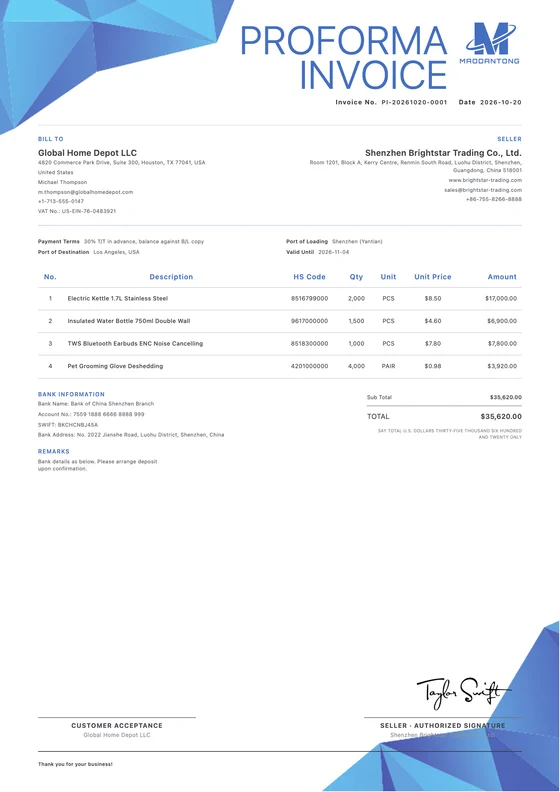
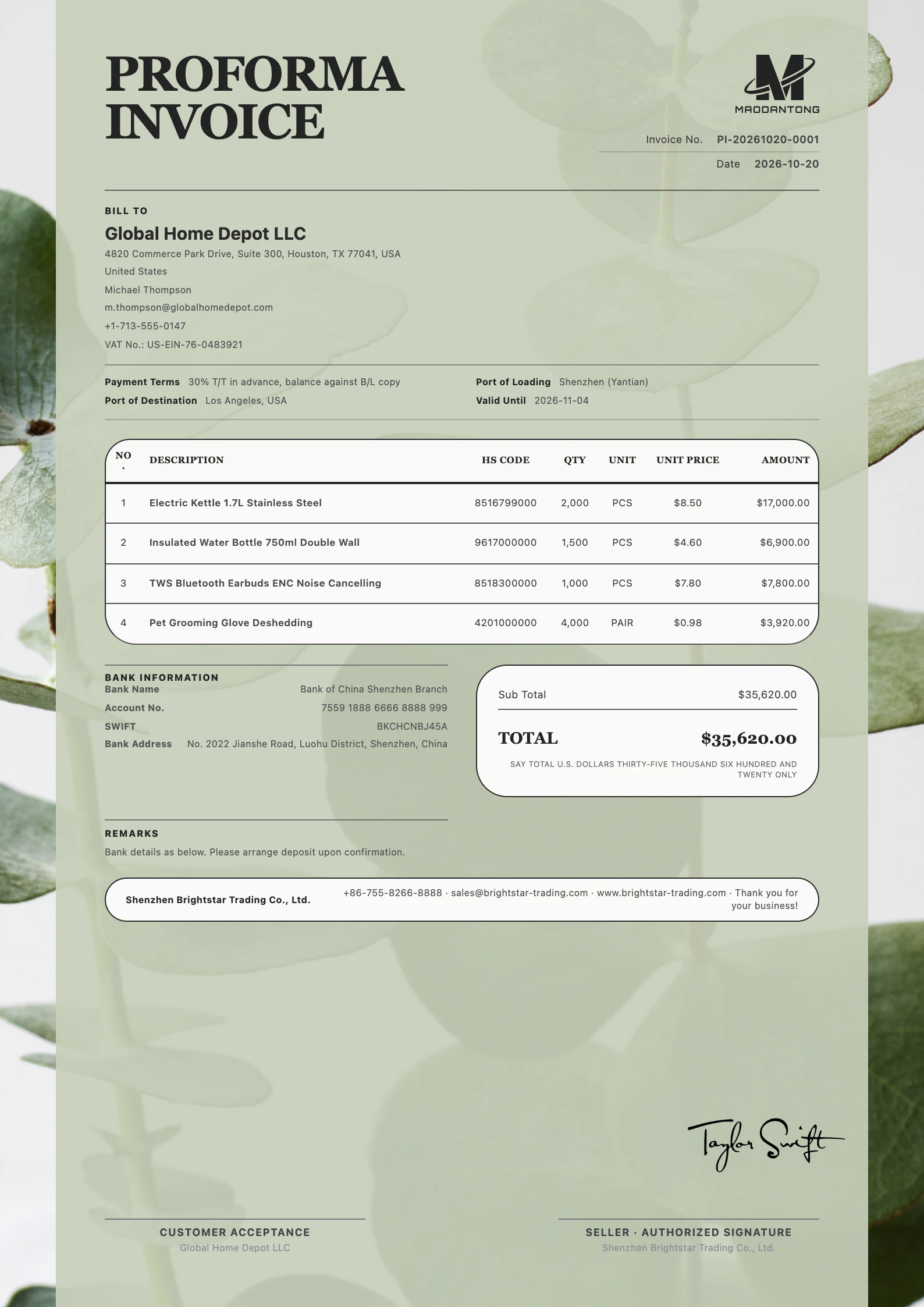 View full preview
A considered first impression.
Give good content a considered layout
Choose a layout that suits your business, then prepare your proforma invoice with your actual details.
Business Strategy
Free template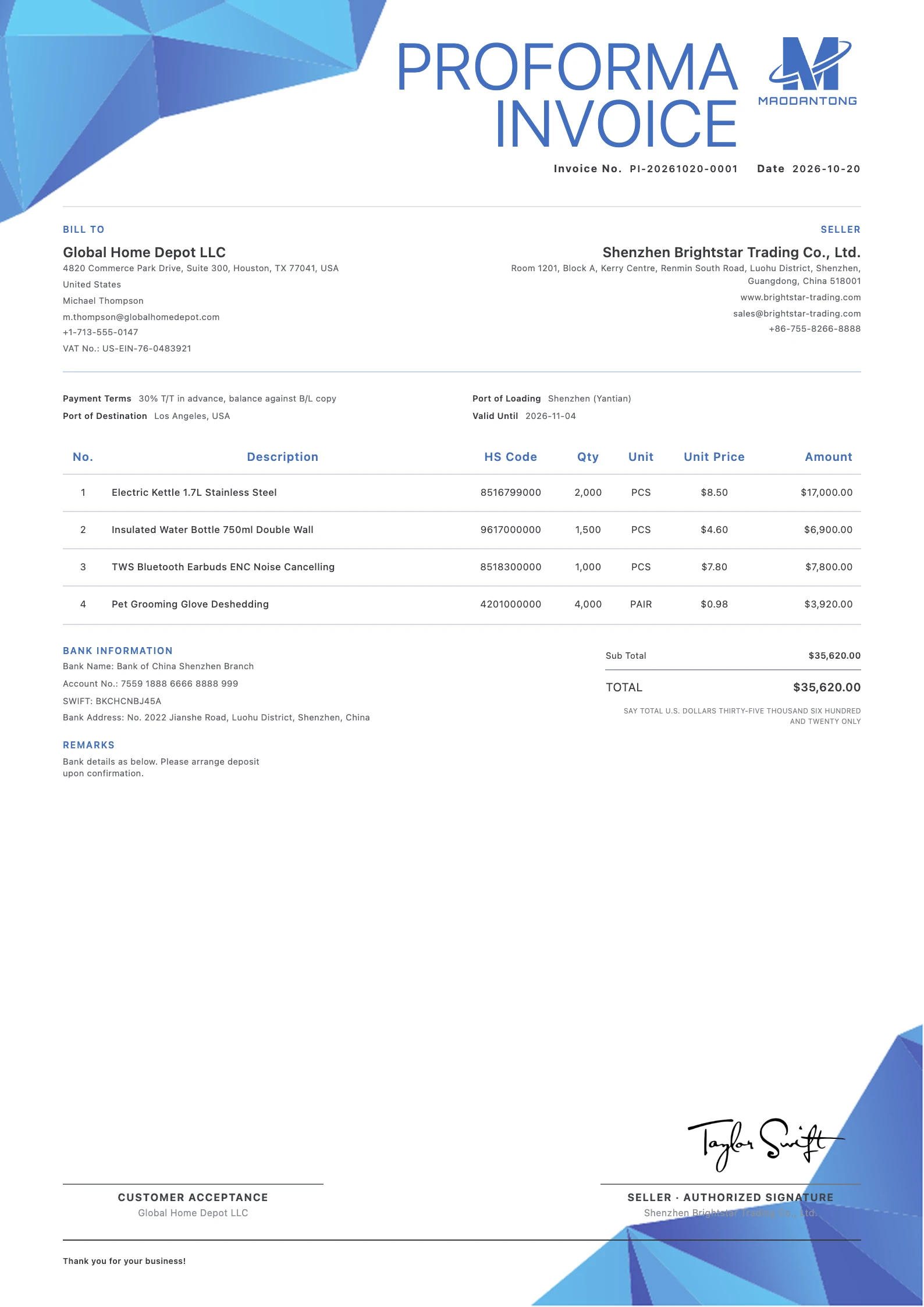
Clean Blue
Free template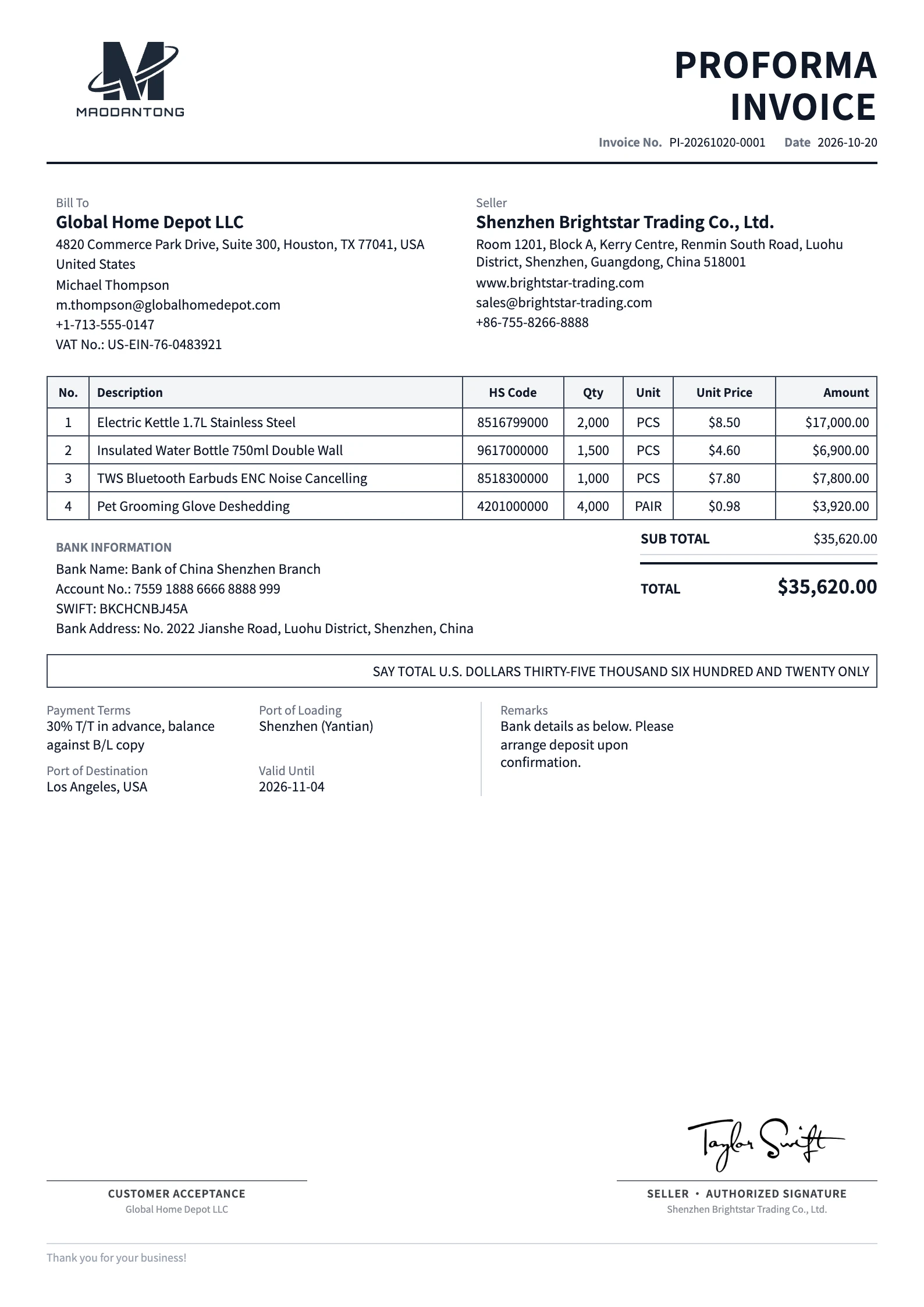
Classic
Free templateProposed order · Payment arrangements
When do you need a proforma invoice?
Prepare a PI with proposed goods, prices, payment terms and a clear validity date.
Confirm the proposed order
After discussing a quotation, list the selected product models, quantities and prices in one PI so the buyer can review the intended order.
Explain payment and validity
Show the agreed payment arrangements and a clear validity date. If bank details are required, verify them in company settings and check their appearance in the document preview.
Keep a reference for the final sale
Update the PI when the proposed price, quantity or terms change. Reconcile the final shipment before preparing its commercial invoice instead of reusing early estimates unchanged.
Every detail, in place.
Put every detail in its place
Fields and visibility depend on the selected template and your actual business requirements.
PI title, number and issue date
Clearly label the document Proforma Invoice. Use an identifiable reference and keep the issue date and validity current when issuing a revised offer.
Seller and buyer
Enter the agreed company names, full addresses and contact details. Check them for this customer even when you start from an earlier document.
Goods, quantities and prices
Specify the product model, unit, quantity, currency and price. Make the conditions for different configurations, packaging or order quantities explicit.
Payment, validity and shipping information
State payment milestones and the expiry of the offer. Complete the relevant ports and use notes for delivery arrangements that need further explanation.
Bank details and additional terms
Verify the beneficiary, account and SWIFT details through your normal business process. Check company settings and the template preview before including them.
View the worked proforma invoice example
This separate fictional worked example explains the fields and goods table. Its sample data differs from the template images above. Use your own details for actual documents.
| Field | Example |
|---|---|
| Seller | Seabreeze Demo Homeware Co., Ltd. (fictional) |
| Seller address | 12 Example Street, Xiamen, China (fictional) |
| Buyer | Cedar Sample Imports Ltd. (fictional) |
| Buyer address | 36 Demo Avenue, Auckland, New Zealand (fictional) |
| PI number / issue date | PI-DEMO-021 / 2026-10-15 |
| Valid until / currency | 2026-10-30 / USD |
| Payment terms | 30% deposit; 70% before shipment (example only) |
| Loading → destination port | Xiamen → Auckland |
| Description | Qty | Unit | Unit price USD | Amount USD |
|---|---|---|---|---|
| Ceramic plant pot, model CP-10, 10 cm | 120 | PCS | 6.80 | 816.00 |
| Ceramic plant pot, model CP-15, 15 cm | 80 | PCS | 9.20 | 736.00 |
This is a fictional field example, not an exported template preview. It intentionally includes no live bank account.
Replace the example payment arrangement, validity and shipping terms with those actually agreed for your proposed sale.
From details to document.
From your details to a finished document
Start a proforma invoice
Select the PI document type and an online template. Reuse company and customer records, then verify the names, addresses and document title.
Enter the proposed sale and terms
Add products, quantities and prices, then complete the currency, validity, payment and shipment information. Check whether any required bank details are displayed.
Review and export a PDF
Choose the appropriate document language, check the preview and save. Export a PDF within your account's download allowance and send it for the customer's review.
One final review before you send
Calculations and layout support preparation. Review the business information before sending.
- Do the product models match the offer discussed with the buyer?
- Are the currency, expiry and payment milestones explicit?
- Have the bank details been verified independently?
- Have changes to price or quantity been reflected in the current PI?
Make a beautiful impression.
Prepare a beautiful proforma invoice
Create an account or sign in, add your details and export a reviewed PDF.
Try it free