

Delivery noteTemplates & online generator
Every delivery. Clearly arranged.
Bring the goods, quantities, delivery location and handover arrangements together in a delivery note (DN). Choose a template and enter the details of this delivery so the sender and recipient can check the same information.
Prepare online · Save your details · Export a reviewed PDF
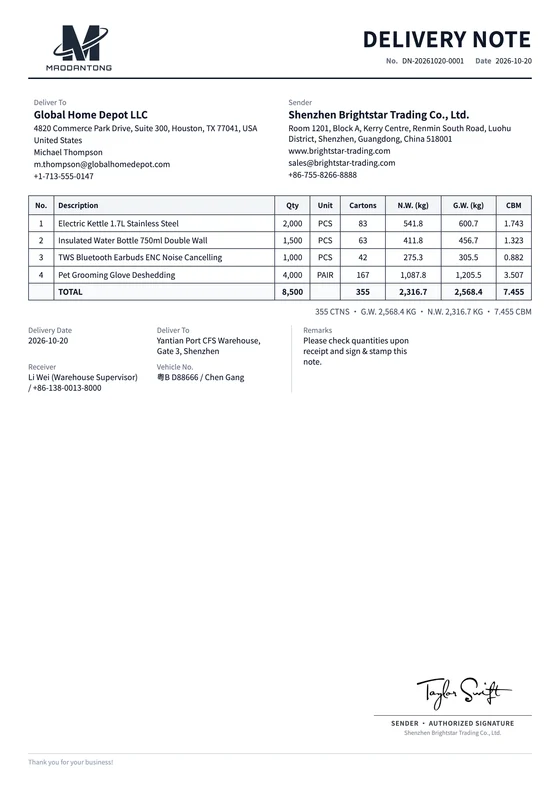
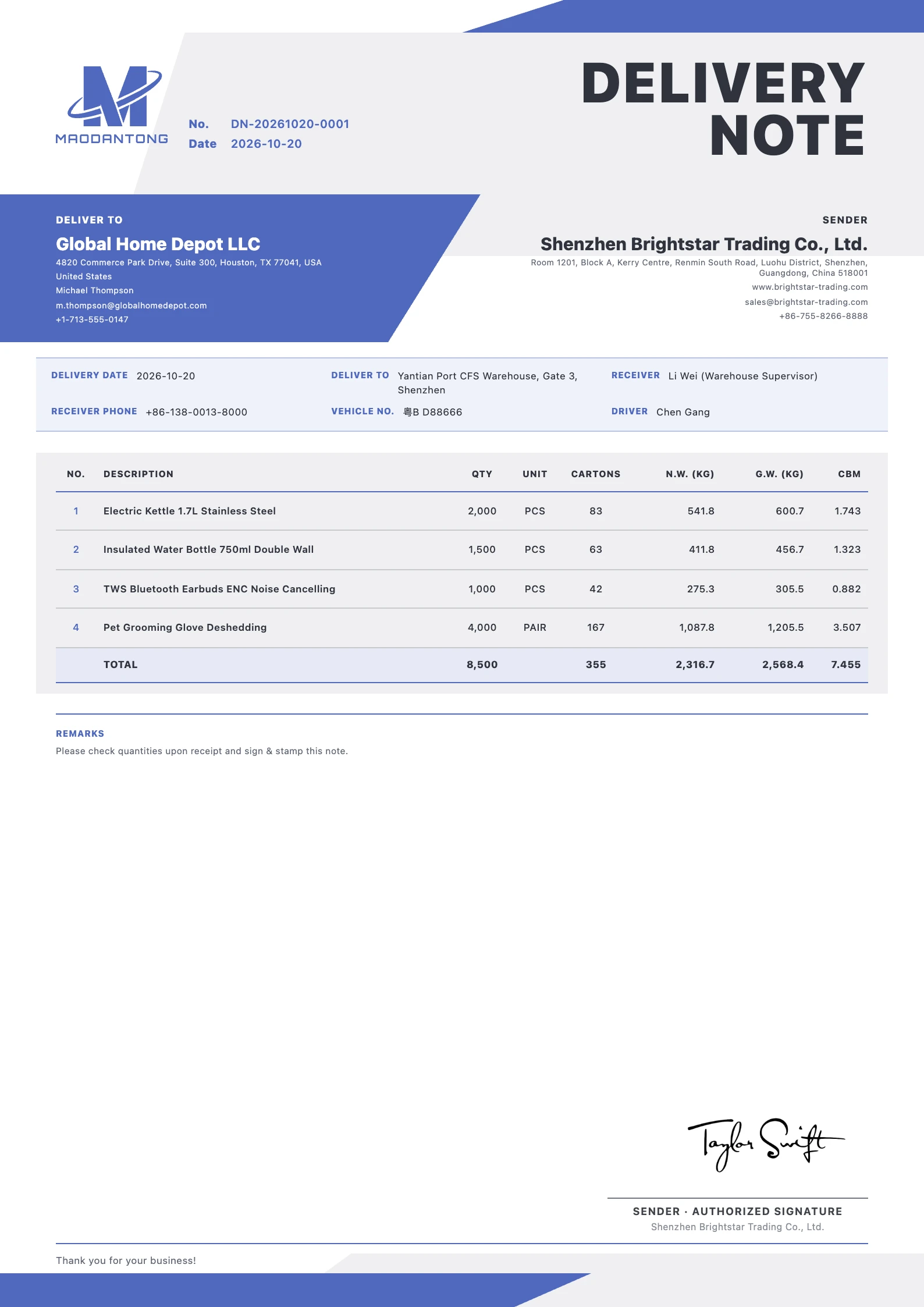 View full preview
A considered first impression.
Give good content a considered layout
Choose a layout that suits your business, then prepare your delivery note with your actual details.
Vector Invoice
VIP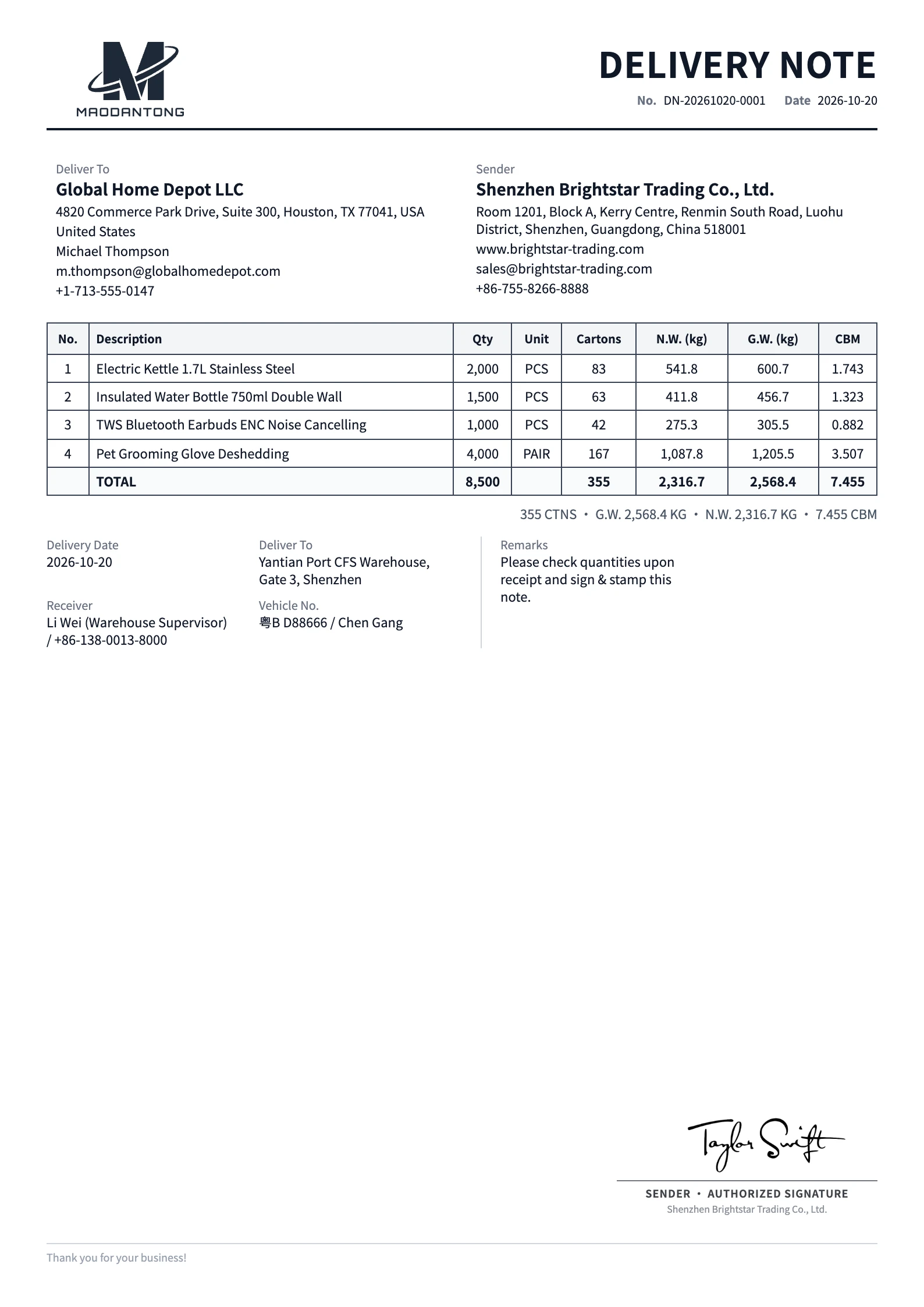
Classic
Free template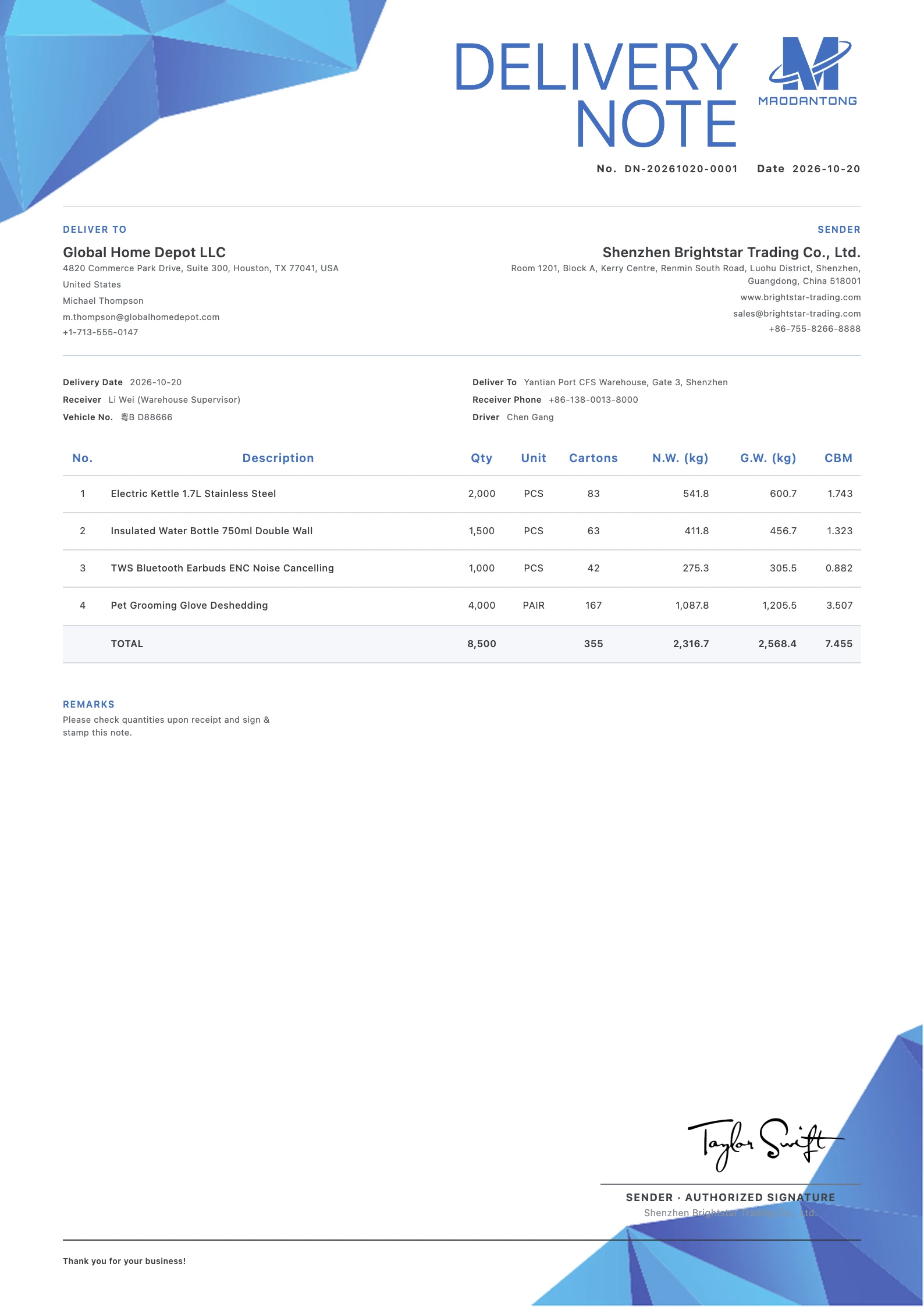
Clean Blue
Free templateDispatched goods · Delivery arrangements
When do you need a delivery note?
Keep dispatched goods, quantities, the delivery address and recipient details together.
Warehouse dispatch and handover
List the actual products, models, quantities and packing details so the warehouse, driver and recipient work from the same delivery information.
Partial deliveries
Use a separate reference, date and quantity record for each delivery. Distinguish the goods dispatched now from the full quantity planned for the order.
Recipient and transport arrangements
Record the delivery address, contact person, phone number and relevant vehicle information. Put appointment times or special handover arrangements in the notes.
Every detail, in place.
Put every detail in its place
Fields and visibility depend on the selected template and your actual business requirements.
Sender and recipient
Check company names and contact details. Use the delivery address field when the actual destination differs from the customer's registered address.
Reference, issue date and delivery date
Identify each delivery with its own reference. Enter the issue date and actual delivery date separately, and update the details for every partial shipment.
Products, quantities, units and cartons
Give recognizable product names and models. Check pieces, sets or cartons against the actual dispatch record, and add packing or custom product attributes where needed.
Receiver, phone and vehicle
Complete the receiver and phone fields, then add the assigned driver and vehicle registration where relevant to the handover.
Delivery notes and instructions
Record arrival times, unloading arrangements or specific handover instructions. Keep commercial values and detailed packing information in their corresponding documents.
View the worked delivery note example
This separate fictional worked example explains the fields and goods table. Its sample data differs from the template images above. Use your own details for actual documents.
| Field | Example |
|---|---|
| Sender | Harbor Sample Supplies Co., Ltd. (fictional) |
| Recipient | Northstar Demo Trading Ltd. (fictional) |
| Delivery note / issue date | DN-DEMO-015 / 2026-10-19 |
| Delivery date | 2026-10-20 (example) |
| Delivery address | 18 Example Road, Ningbo, China (fictional) |
| Receiver / phone | Demo Receiver / Enter the actual contact number |
| Vehicle / driver | Enter the assigned vehicle and driver |
| Description | Qty | Unit | Cartons |
|---|---|---|---|
| Stainless steel desk organizer, model DO-01 | 100 | PCS | 10 |
| Aluminium document tray, model DT-02 | 50 | PCS | 5 |
The companies, address and goods are fictional. This is a field example, not an actual dispatch record or an exported document screenshot.
Replace the example with the actual delivery details. No prices or amounts are shown; retain handover records through your agreed process.
From details to document.
From your details to a finished document
Choose a delivery note template
Start a DN, choose a template and reuse saved company, customer and product details. Confirm which delivery the document covers.
Enter the dispatched goods and destination
Check actual quantities, units and cartons. Complete the delivery date, address, recipient and transport information.
Save, review and export
Select the document language and orientation, check the preview, save and export a PDF for the dispatch and receiving teams.
One final review before you send
Calculations and layout support preparation. Review the business information before sending.
- Do the products and quantities match this actual dispatch?
- Are units, cartons and specifications clear?
- Are the delivery date, address and contact details correct?
- Does each partial delivery have its own reference and goods record?
Make a beautiful impression.
Prepare a beautiful delivery note
Create an account or sign in, add your details and export a reviewed PDF.
Try it free